WiFi Scanner & Network Tools icon

WiFi Scanner & Network Tools

See who is on your WiFi. Ping, traceroute, DNS lookup and port checks.

Coming soon to Google Play
Screenshots

A closer look

Features

What it does

Who is on my WiFi? Why does it feel slow? WiFi Scanner & Network Tools helps you find out, and keeps the results on your phone.

01

Devices on your network

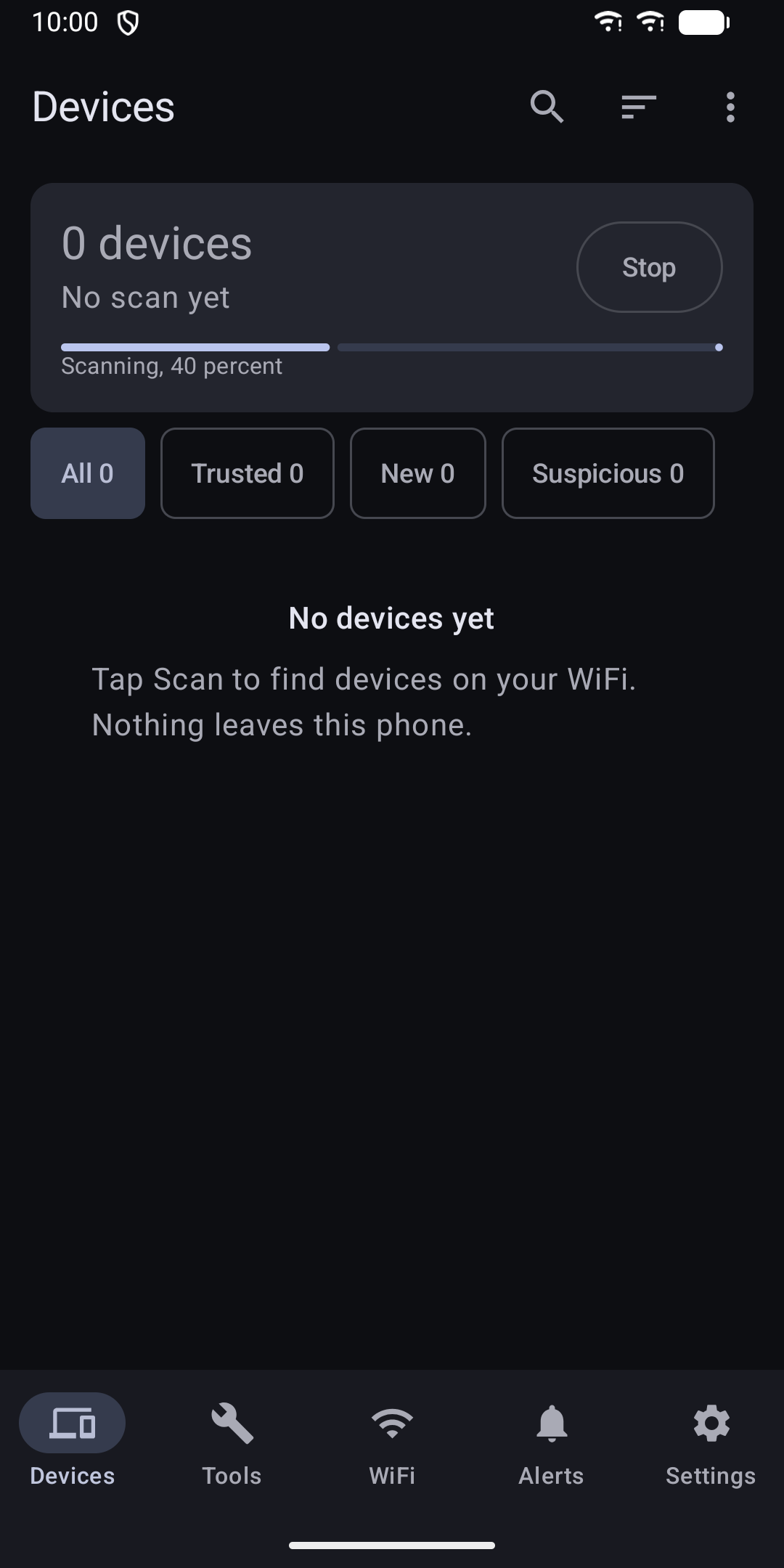
  • Scan your home network and see every device that answers
  • Names come from mDNS, UPnP/SSDP, NetBIOS and your router, plus a built-in vendor database
  • Give devices your own names and mark them trusted or suspicious
  • Devices seen for the first time are flagged, so unknown ones stand out
  • Search, filter and sort the list
02

Network tools

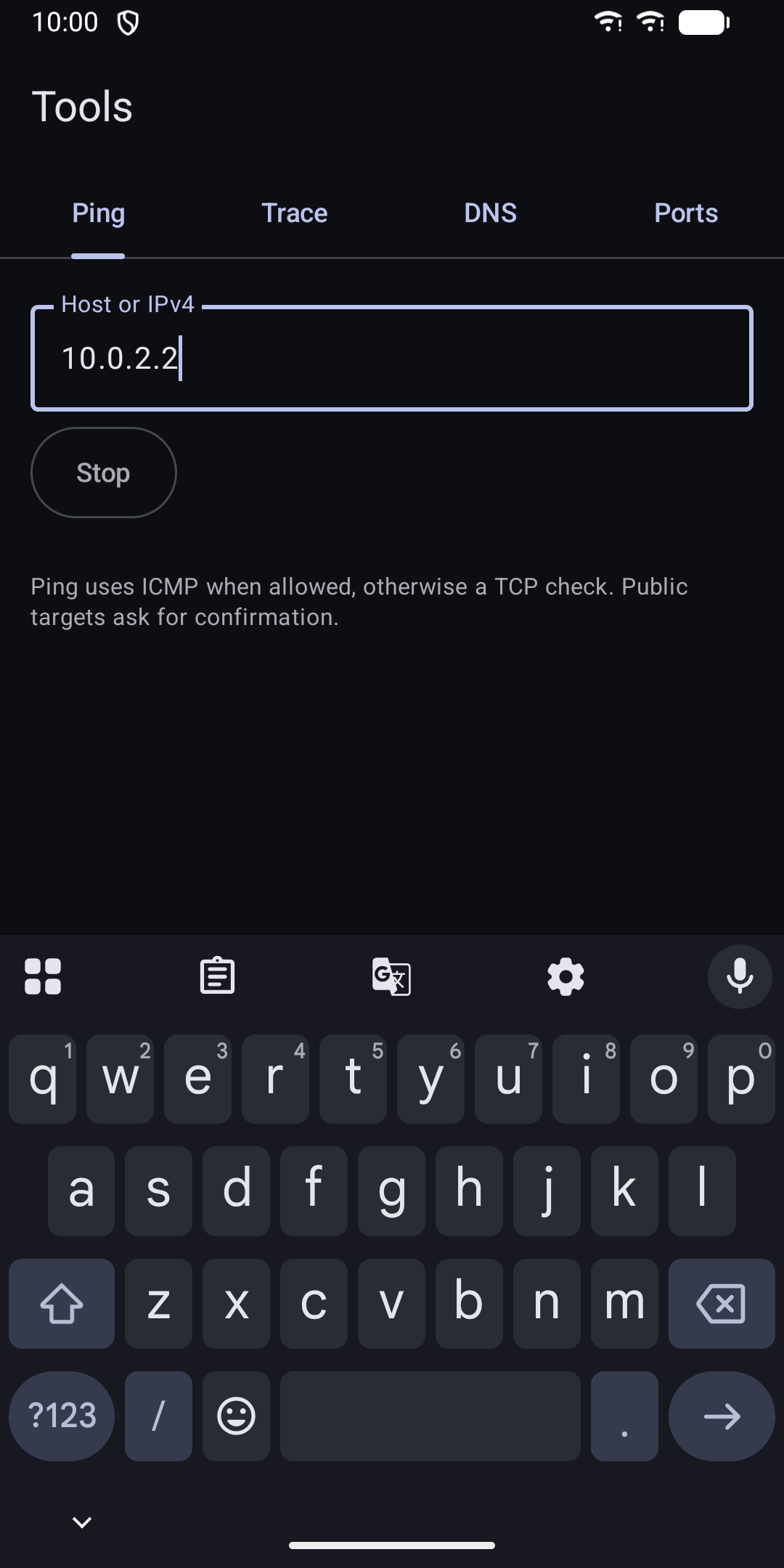
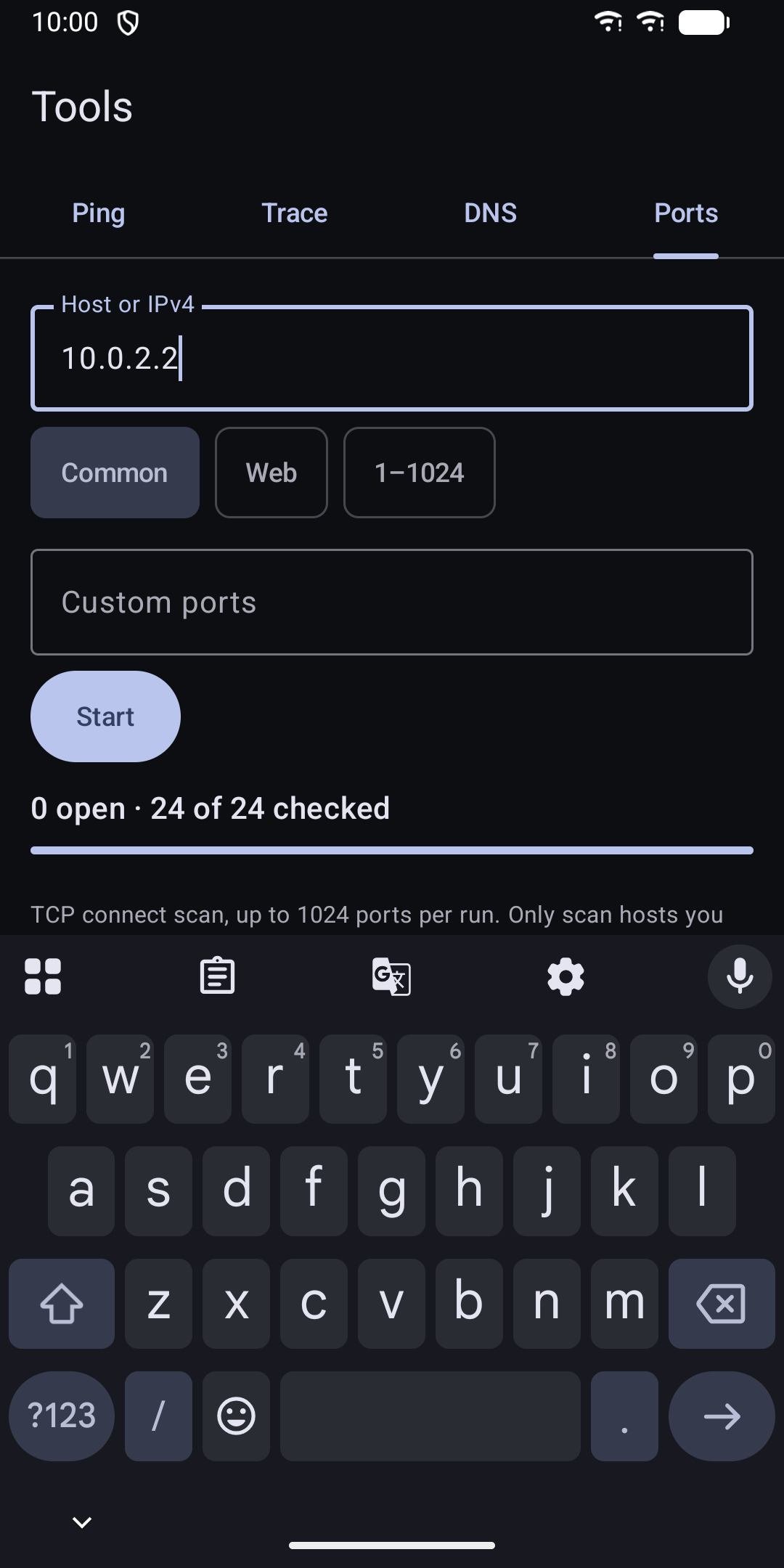
  • Ping with a latency chart. If ICMP is blocked, the app uses a TCP check instead
  • Traceroute
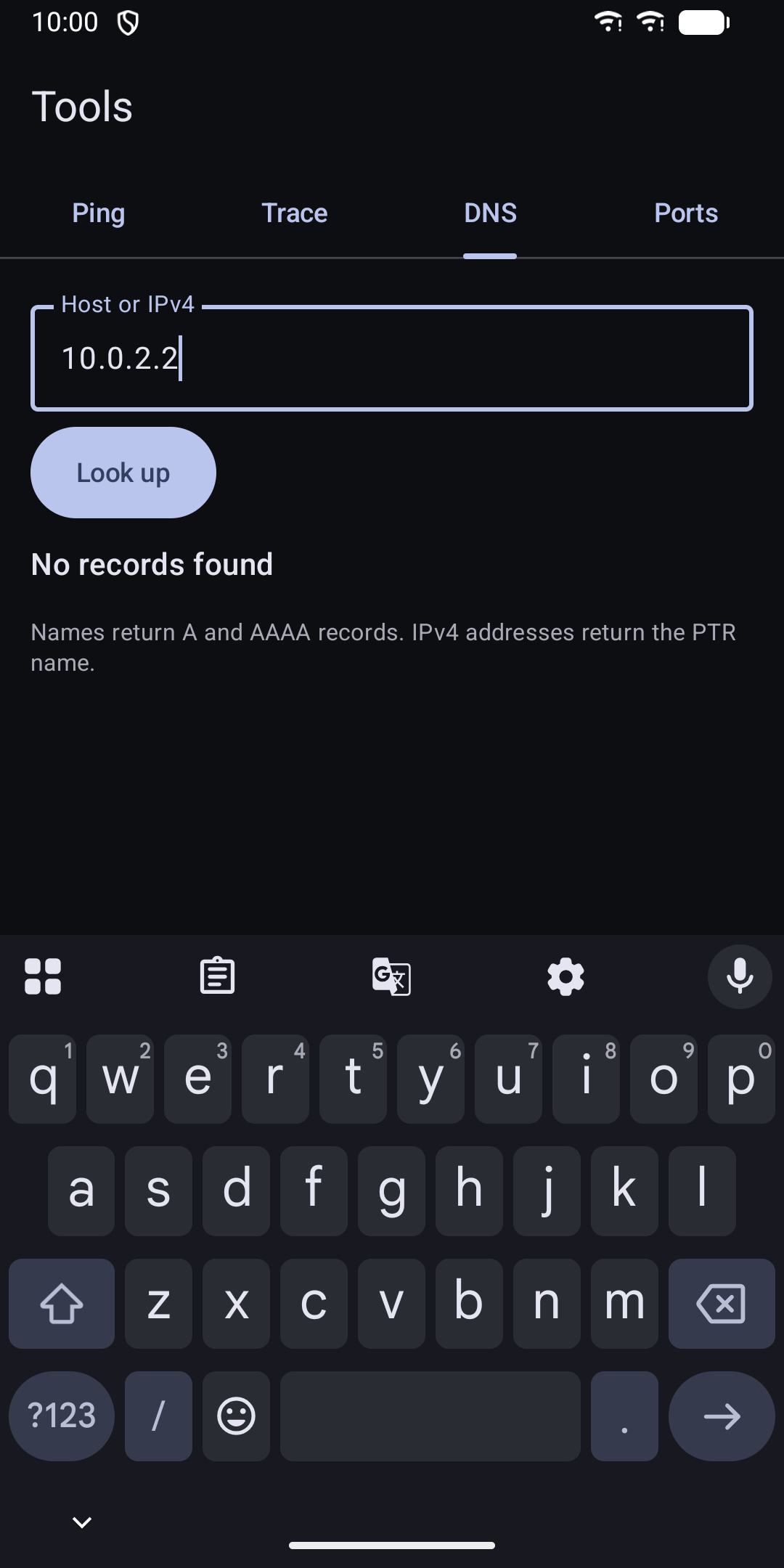
  • DNS lookup: A, AAAA and reverse PTR records
  • Port scan with presets or your own ports, up to 1024 per run
  • Tools default to your local network. Public addresses ask for confirmation first
03

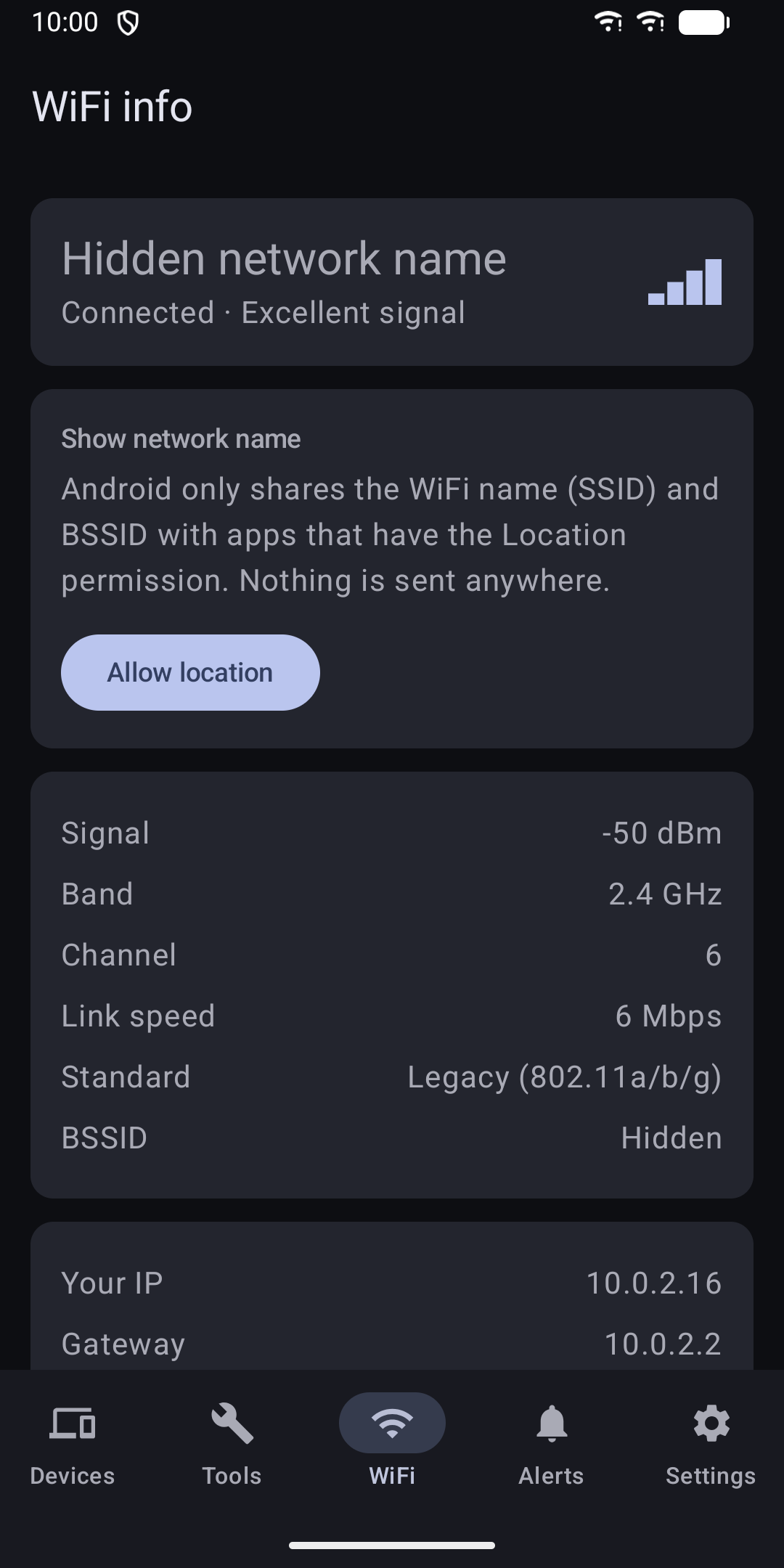
Wifi info

  • Network name, signal strength, band, channel, link speed and WiFi standard
  • Your IP address, gateway, DNS server and subnet
04

Home screen widget

  • Device count and last scan time at a glance
05

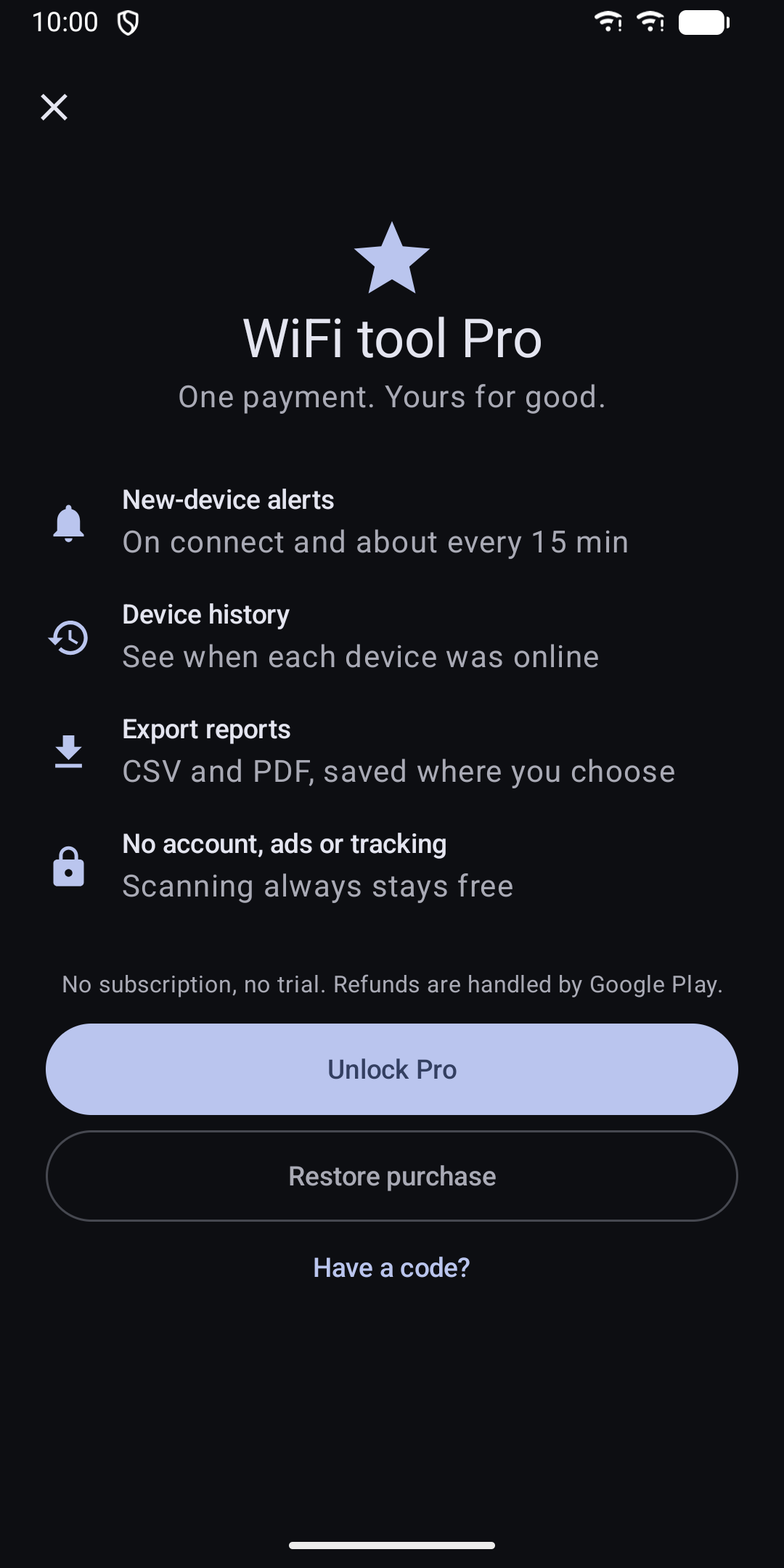
Pro (ONE PURCHASE IN THE APP)

Scanning, device names, trust marks, WiFi info and all tools work without a purchase. You can restore Pro on any device signed in with the same Google account.

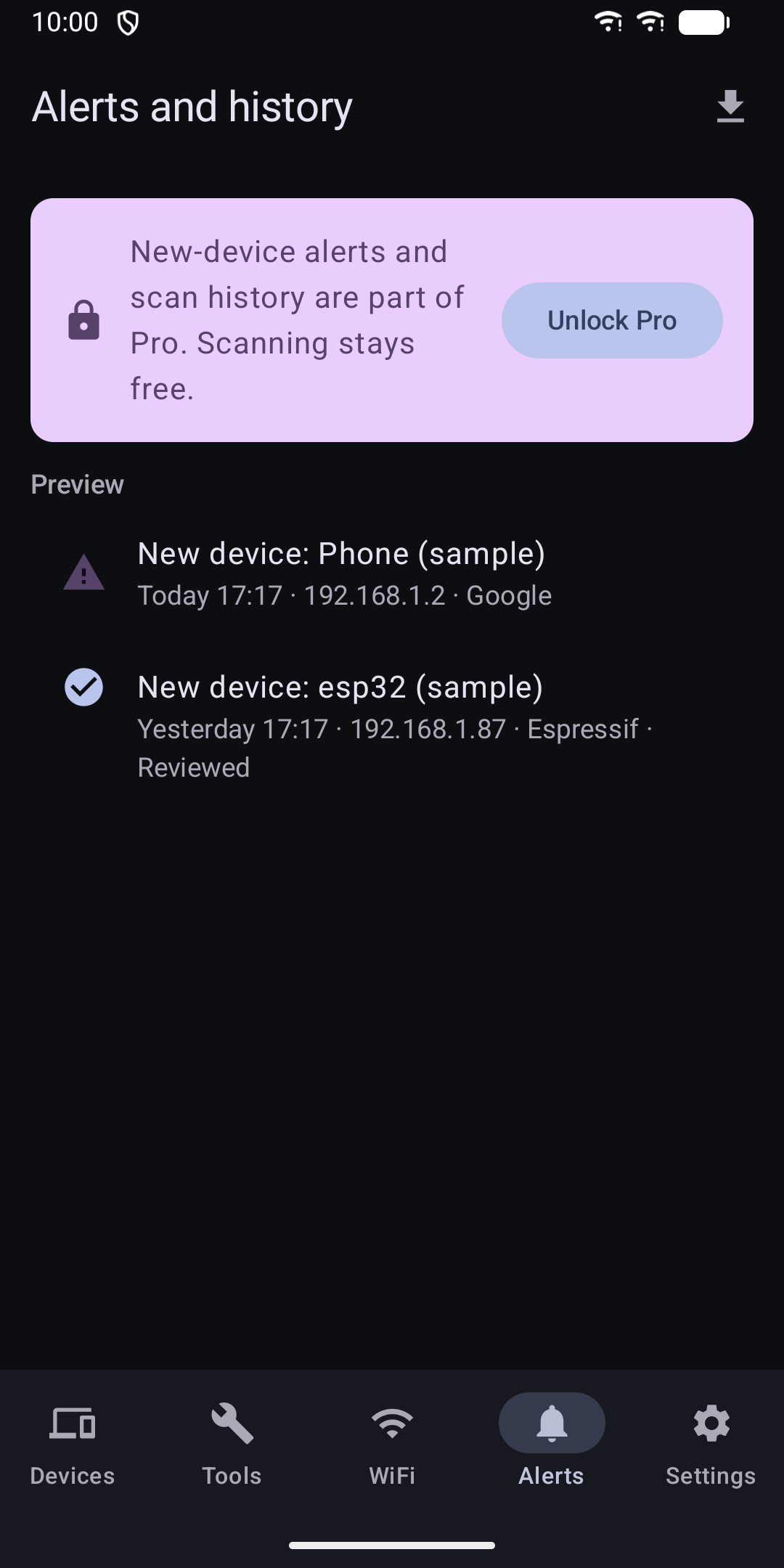
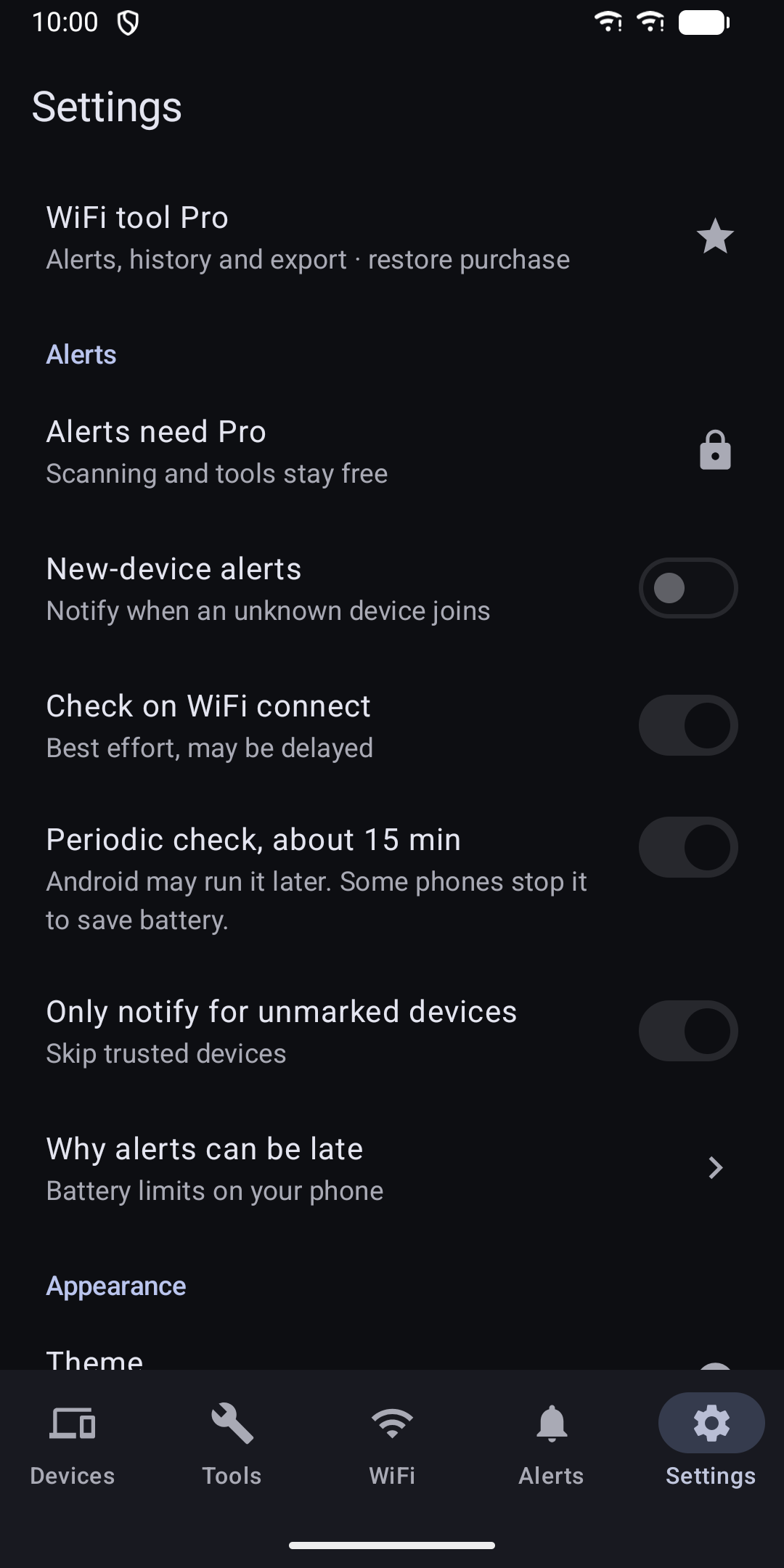
  • New-device alerts when you join WiFi and about every 15 minutes
  • Device history: see when each device was online
  • Export reports as CSV or PDF, saved where you choose
06

Privacy

  • No account, no ads, no analytics, no tracking
  • Device lists stay on your phone and are excluded from cloud backup
  • Nothing is uploaded. Only Google Play is contacted, to handle the Pro purchase
  • Exports happen only when you ask, to a place you pick
  • Settings has a Delete all data option
07

Limits

Works in light and dark mode, on phones and tablets, with TalkBack. Only scan networks and hosts you are allowed to test.

  • Scans IPv4 /24 networks, such as 192.168.1.0/24. No IPv6. Not made for work networks
  • Android 10 and later hide MAC addresses from apps, so devices are matched by name where possible. Devices with a random MAC may show up as new when they rejoin
  • Background checks run about every 15 minutes or later. Battery saver and some phone makers can delay or stop them, and a device that joins and leaves between checks can be missed
  • The WiFi name needs the Location permission. This is an Android rule. The app does not use or store your location
Guides

Guides

WiFi Scanner & Network Tools

See who is on your WiFi. Ping, traceroute, DNS lookup and port checks.

Coming soon to Google Play