Safety warnings
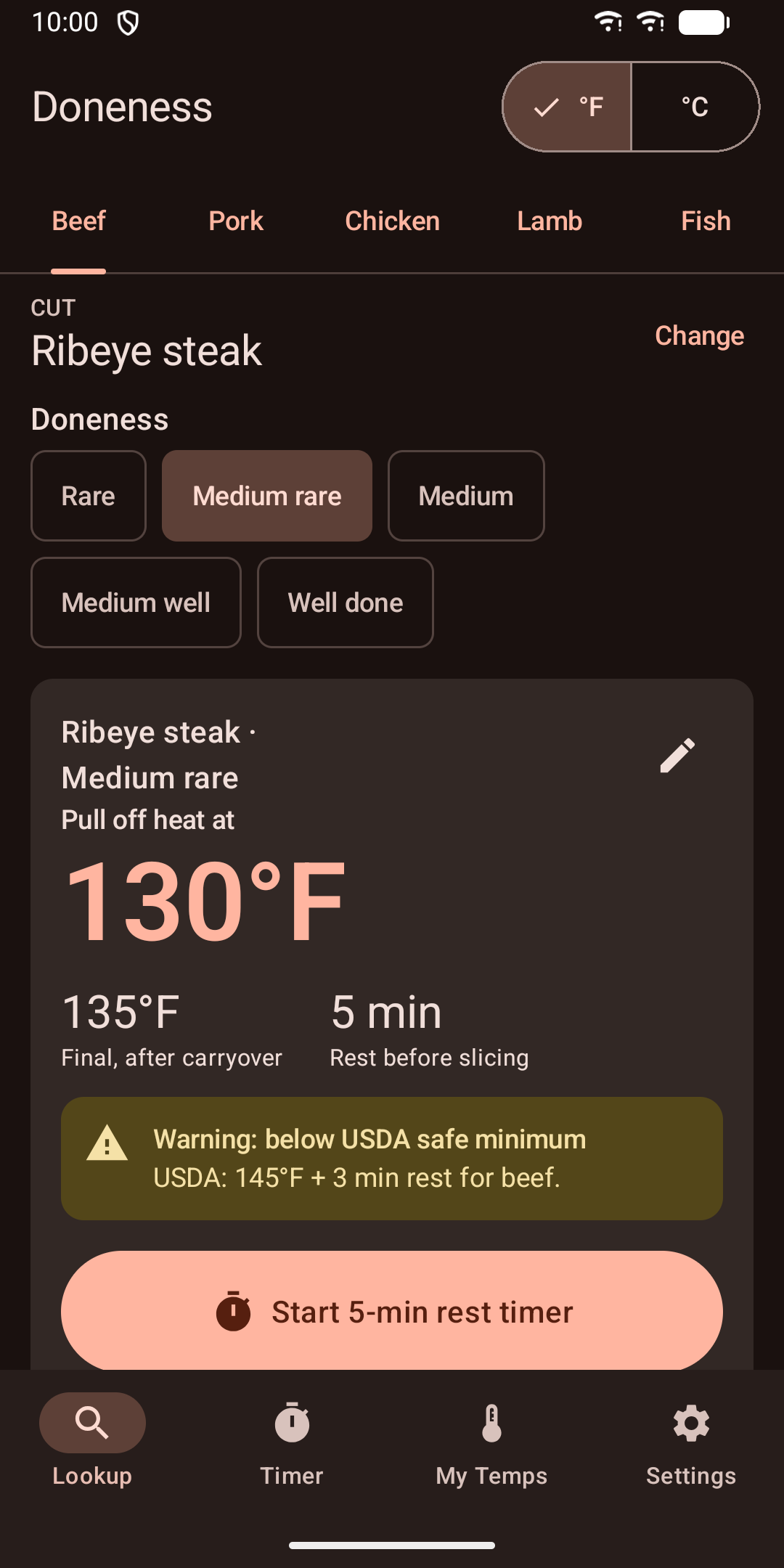
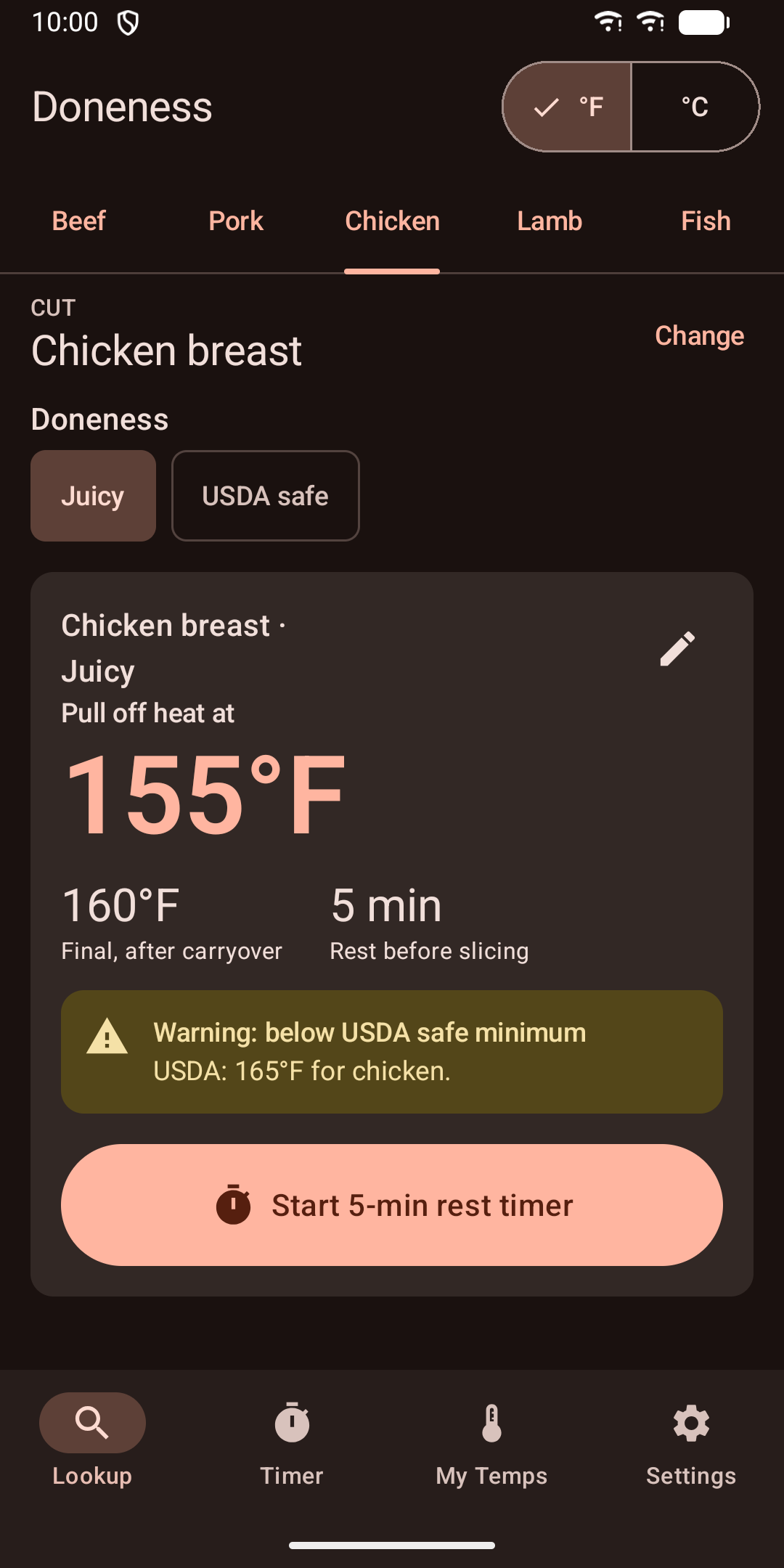
Chef-style temps, such as a medium rare burger or a juicy chicken breast, can be below the USDA safe minimum. The app still shows them, but marks them with a clear warning and shows the USDA minimum next to them.

Pull temps for steak, pork, chicken, lamb and fish, with a rest and flip timer.

Know exactly when to take your meat off the heat.
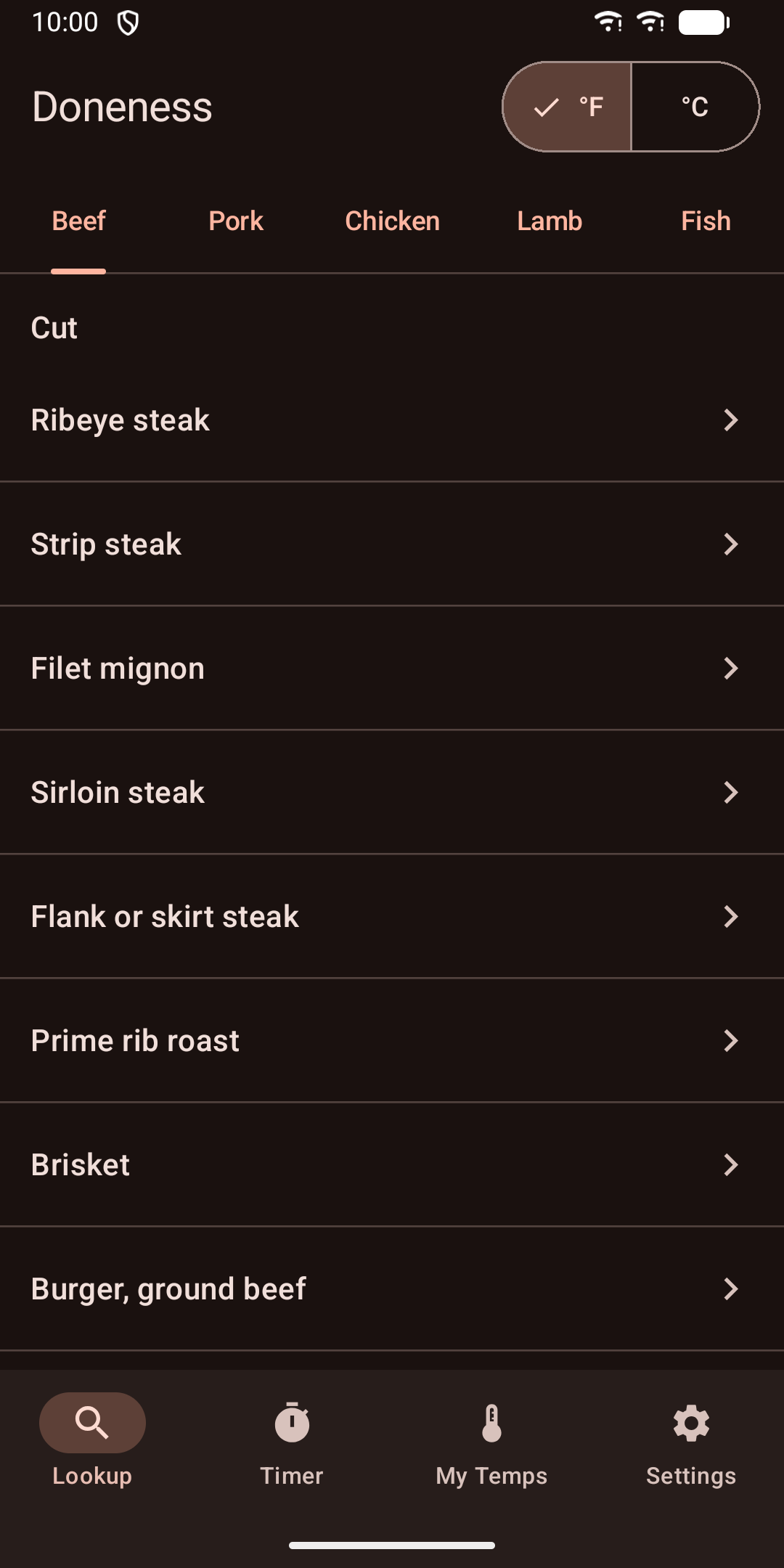
Pick the meat, the cut and how you like it done. You get three numbers in big type:
- Pull temp: when to take it off the heat - Final temp: where it ends up after carryover - Rest time: how long to let it sit before slicing
Then tap one button to start the rest timer.
Chef-style temps, such as a medium rare burger or a juicy chicken breast, can be below the USDA safe minimum. The app still shows them, but marks them with a clear warning and shows the USDA minimum next to them.
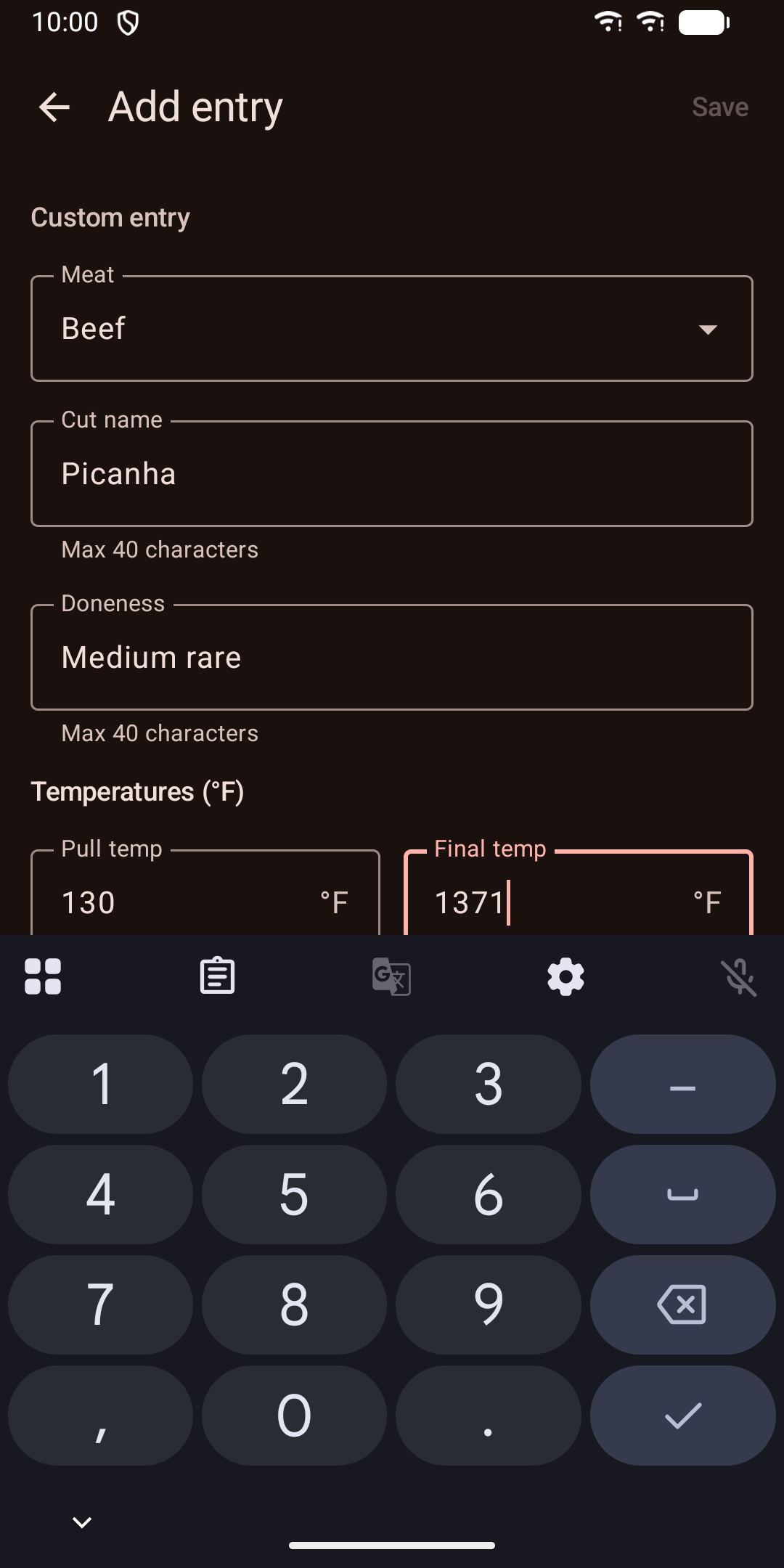
Like your ribeye a little rarer? Edit the temps for any built-in cut. Add your own cuts, like picanha or pulled pork shoulder. Reset any edit to the default with one tap. Custom temps get the same USDA warning.
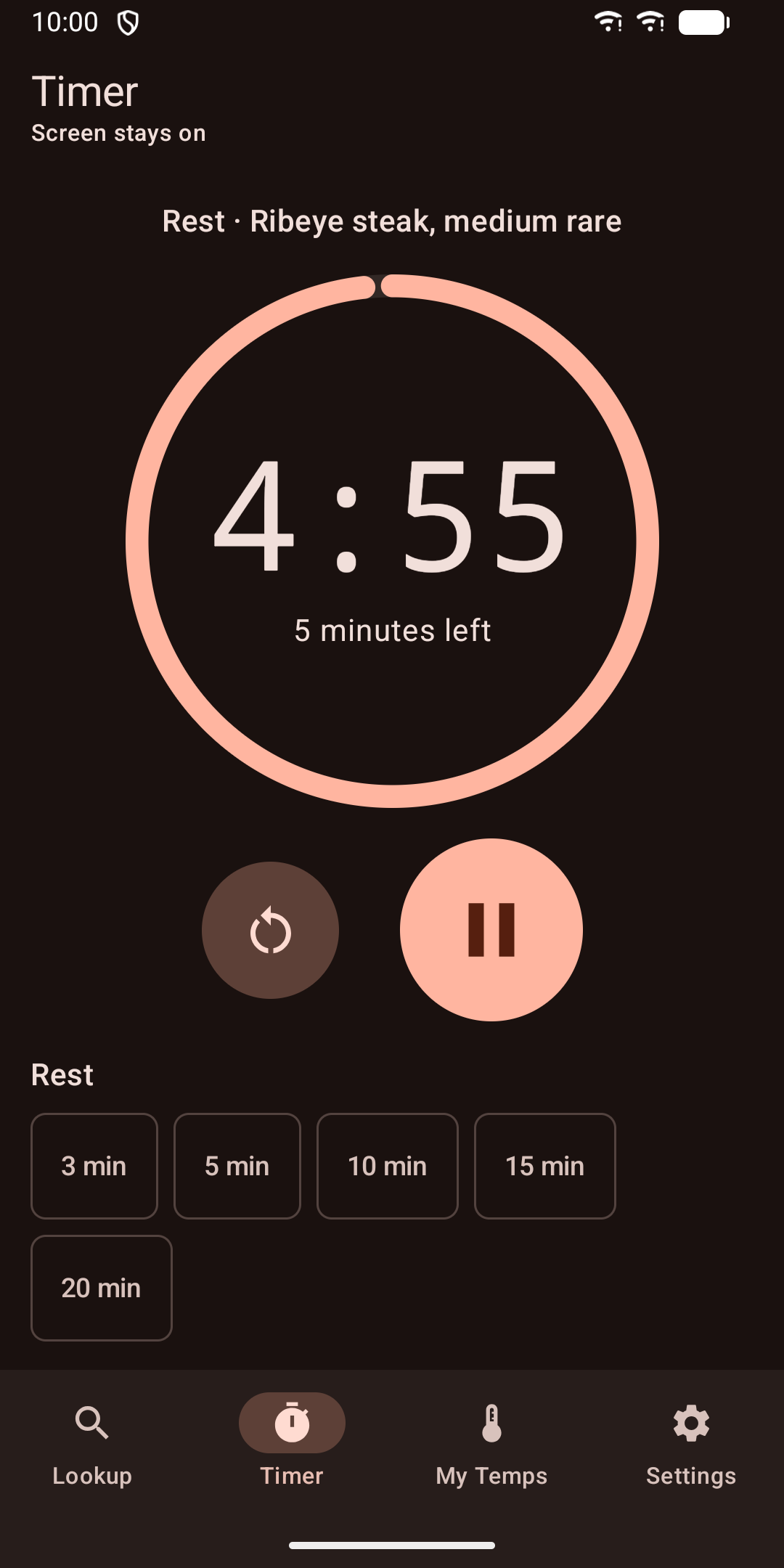
Rest presets from 3 to 20 minutes and flip presets from 1 to 4 minutes. An alarm sounds when it ends, and the screen stays on while it counts down. Leaving the app? Tap Set in Clock app and your phone's Clock app takes over the countdown.
Your last lookup stays on your home screen: cut, doneness, pull temp and final temp. Tap it to jump back in.
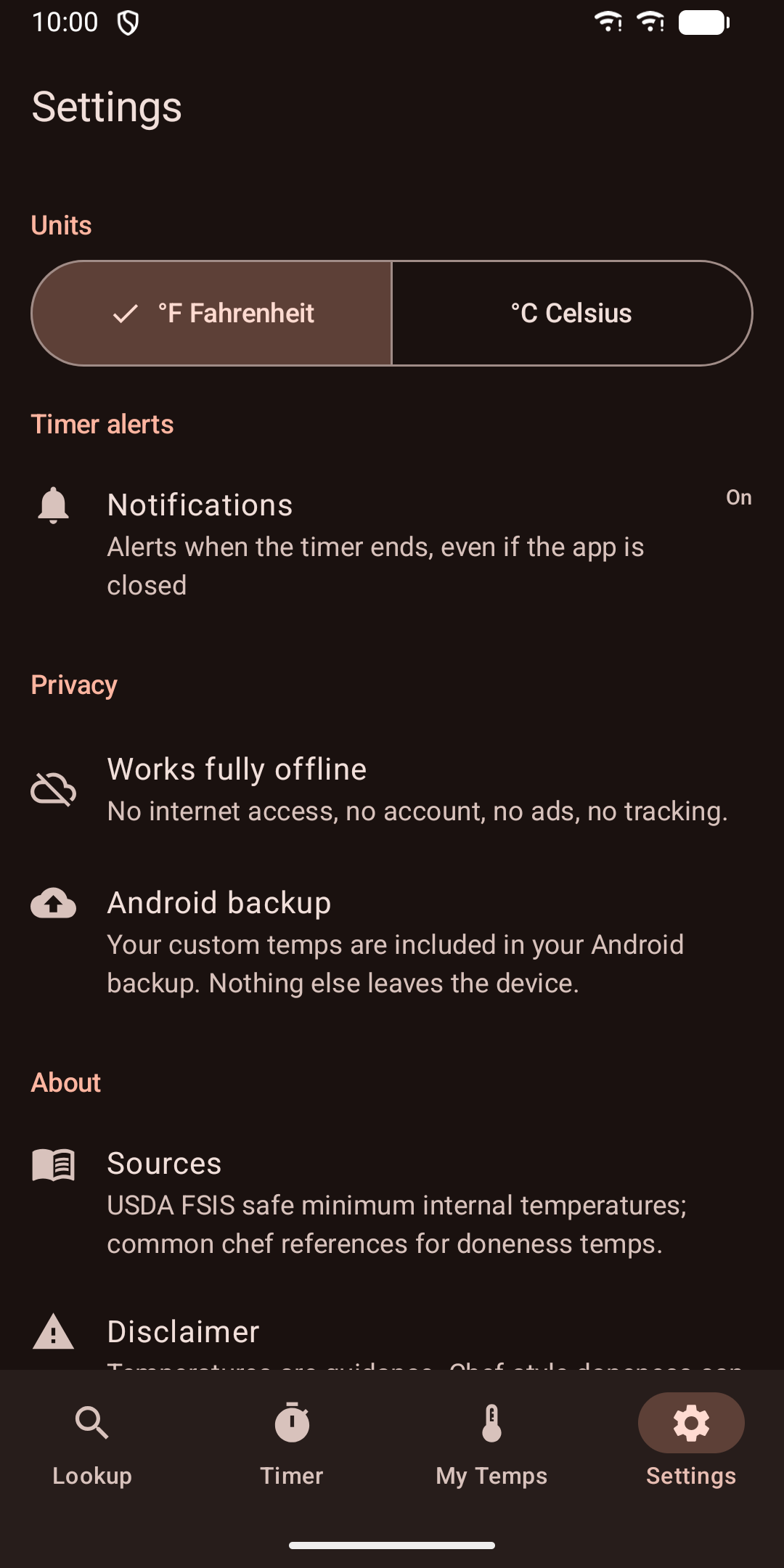
The app is a paid download. All features are included after purchase. There are no in-app purchases.
Covers beef, pork, chicken, lamb and fish. Safe minimums are based on USDA FSIS. Temperatures are guidance only; always use a calibrated thermometer.
Pull temps for steak, pork, chicken, lamb and fish, with a rest and flip timer.