

Paint Calc: Room Paint Amount icon

Paint Calc: Room Paint Amount

Work out how much paint a room needs, with coats, doors and waste

Get it on Google Play
Screenshots

A closer look

Features

What it does

Paint Calc works out how much paint a room needs and rounds the result up to cans you can actually buy. It runs on your device with no account and no sign-in, so you can use it on site, in the shop or in a basement with no signal.

01

Quick or wall by wall

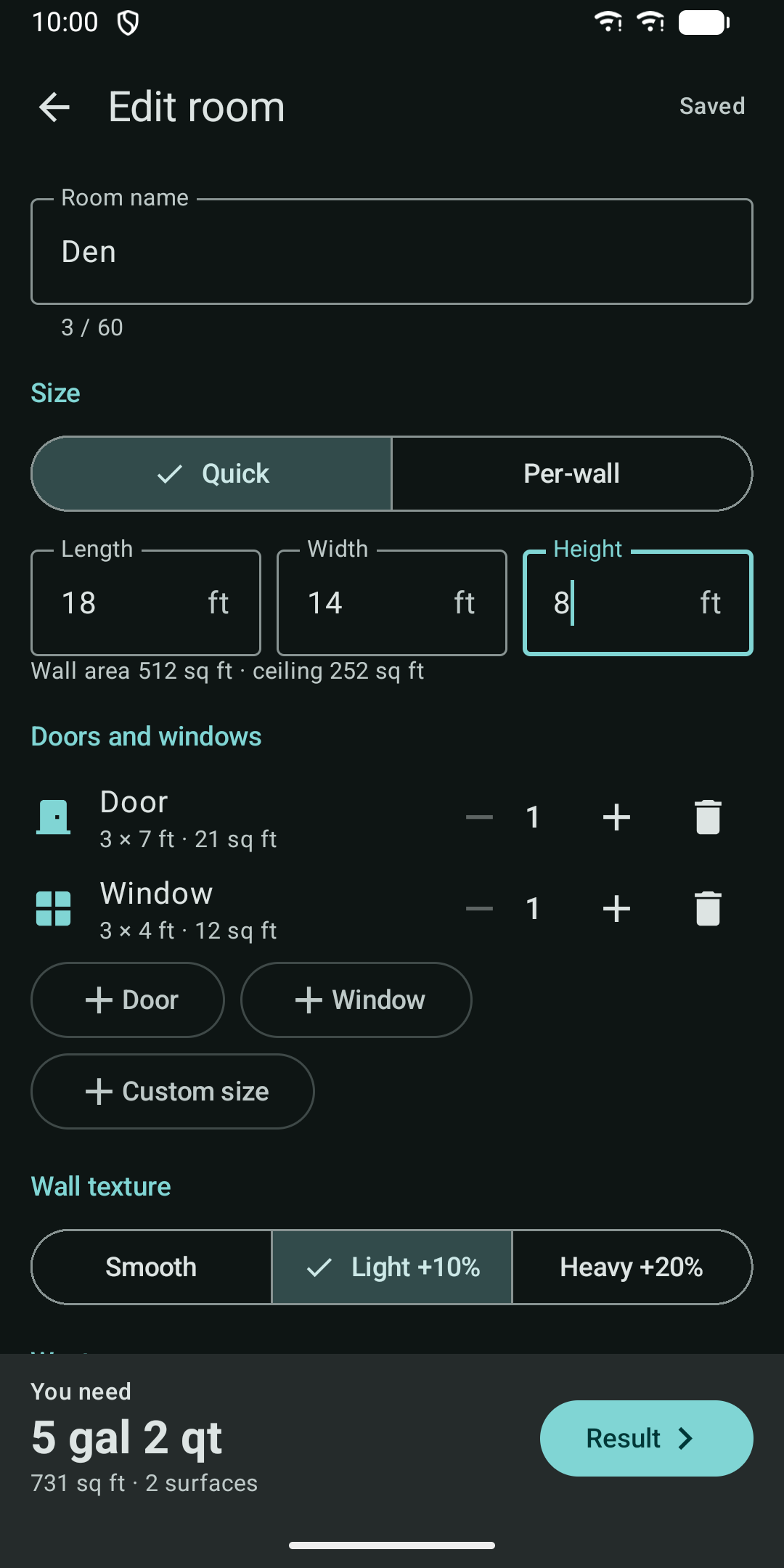
  • Quick mode: enter length, width and height and the wall area is worked out for you.
  • Per-wall mode: add walls one by one for odd-shaped rooms, stairwells and attic rooms.
  • Take off doors and windows with one tap using standard sizes, or enter custom sizes.
02

Every surface, your way

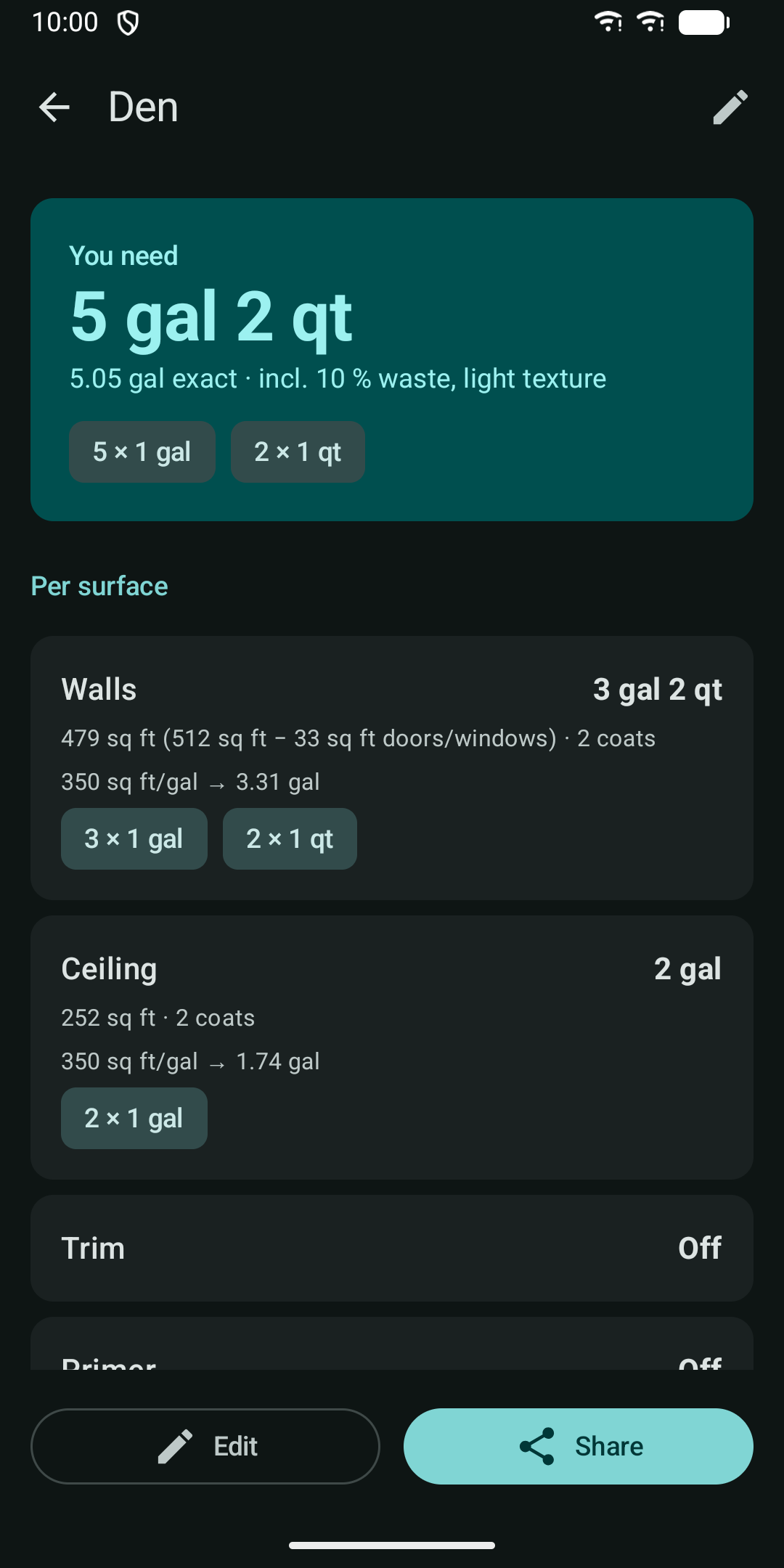
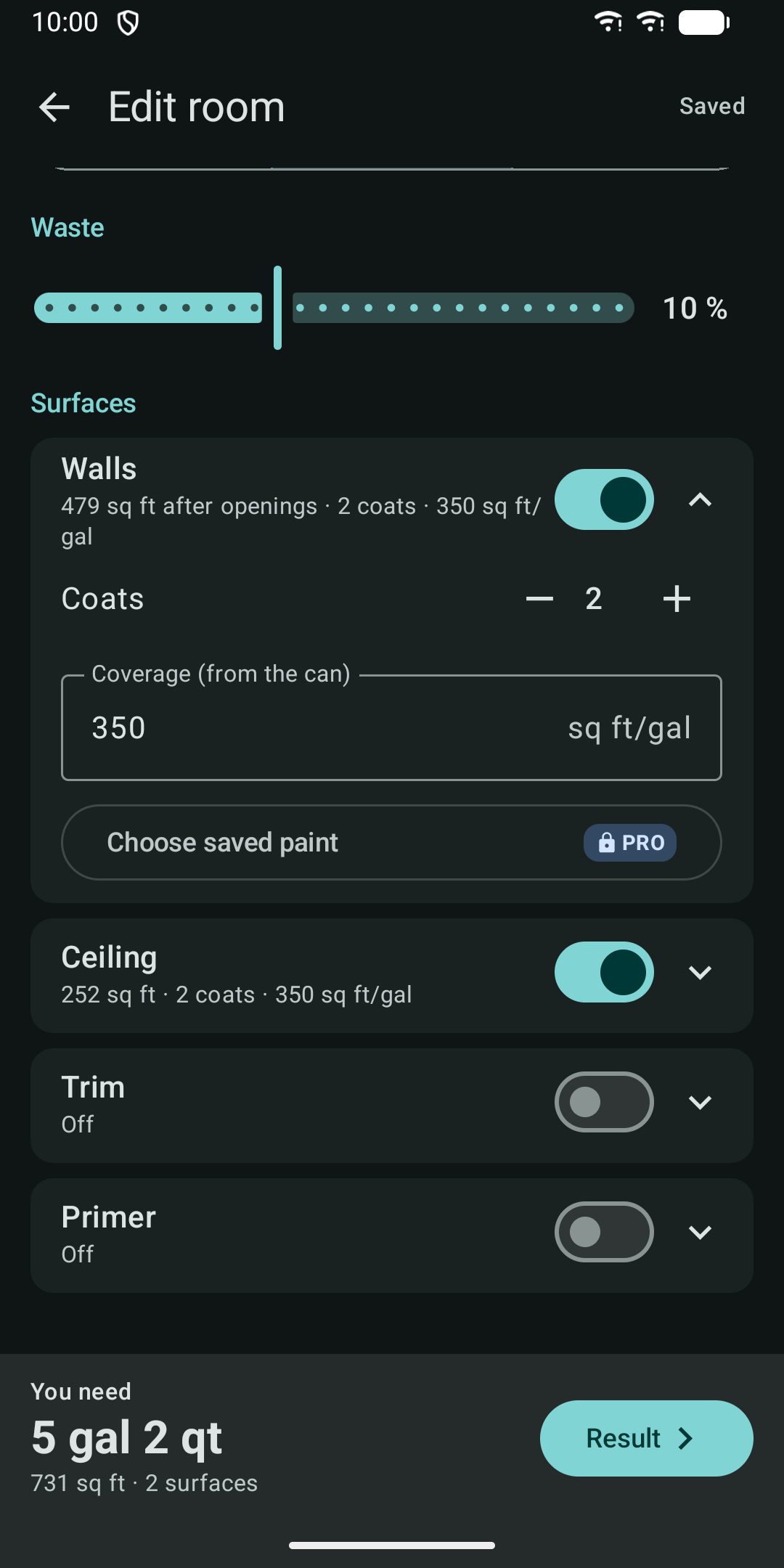
  • Walls, ceiling, trim and primer, each with its own on/off switch, coats (1 to 4) and coverage.
  • Type the coverage printed on the can, in sq ft per gallon or m2 per litre.
  • Smooth, light or heavy texture adds 0, 10 or 20 percent more paint.
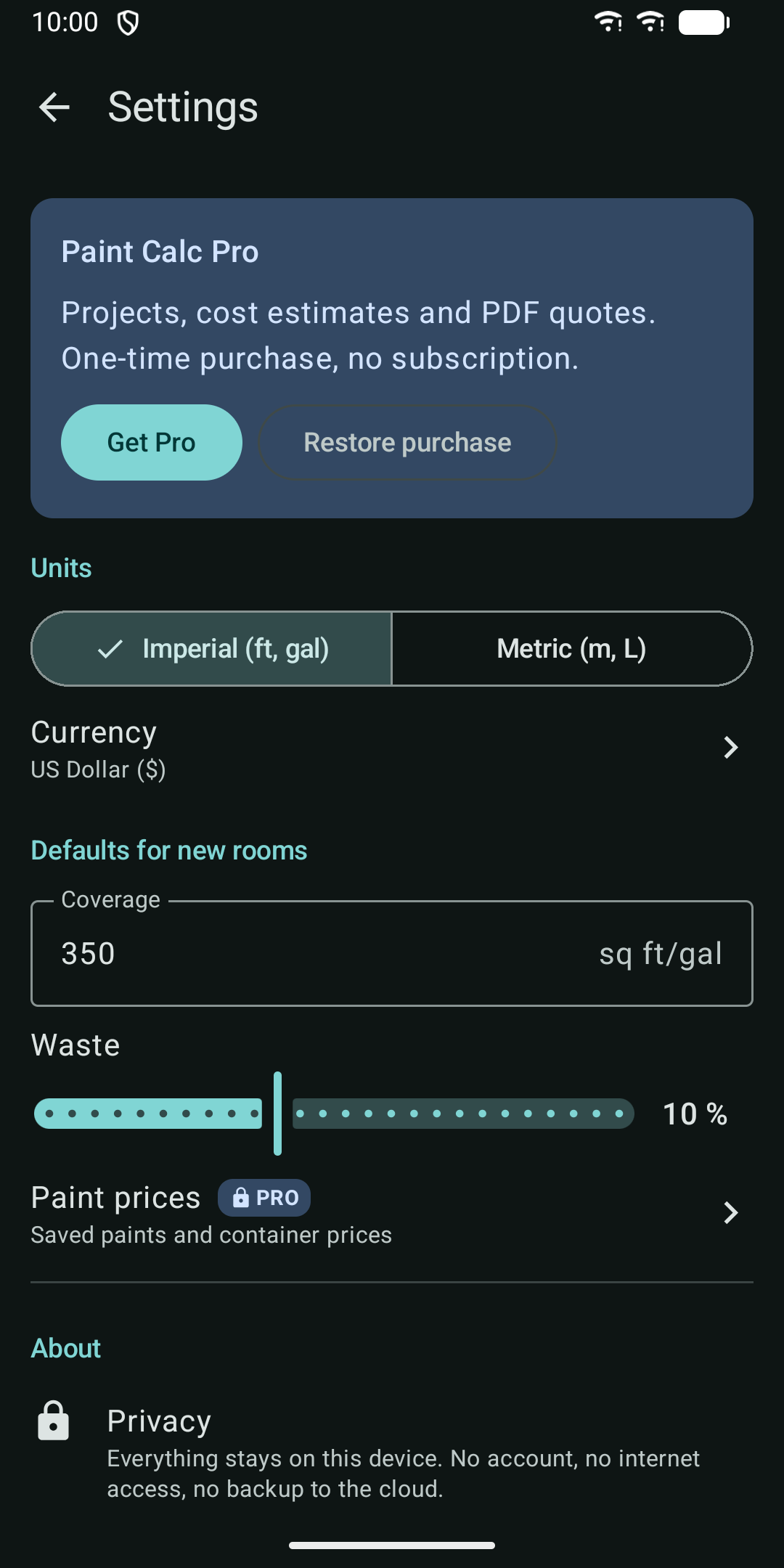
  • Waste slider from 0 to 25 percent.
03

Answers in cans, not decimals

  • Imperial: gallons and quarts. When three quarts would cost more than a gallon, you get the gallon.
  • Metric: 5 L, 2.5 L, 1 L and 0.5 L tins.
  • See the total and the breakdown for each surface.
04

Save and share

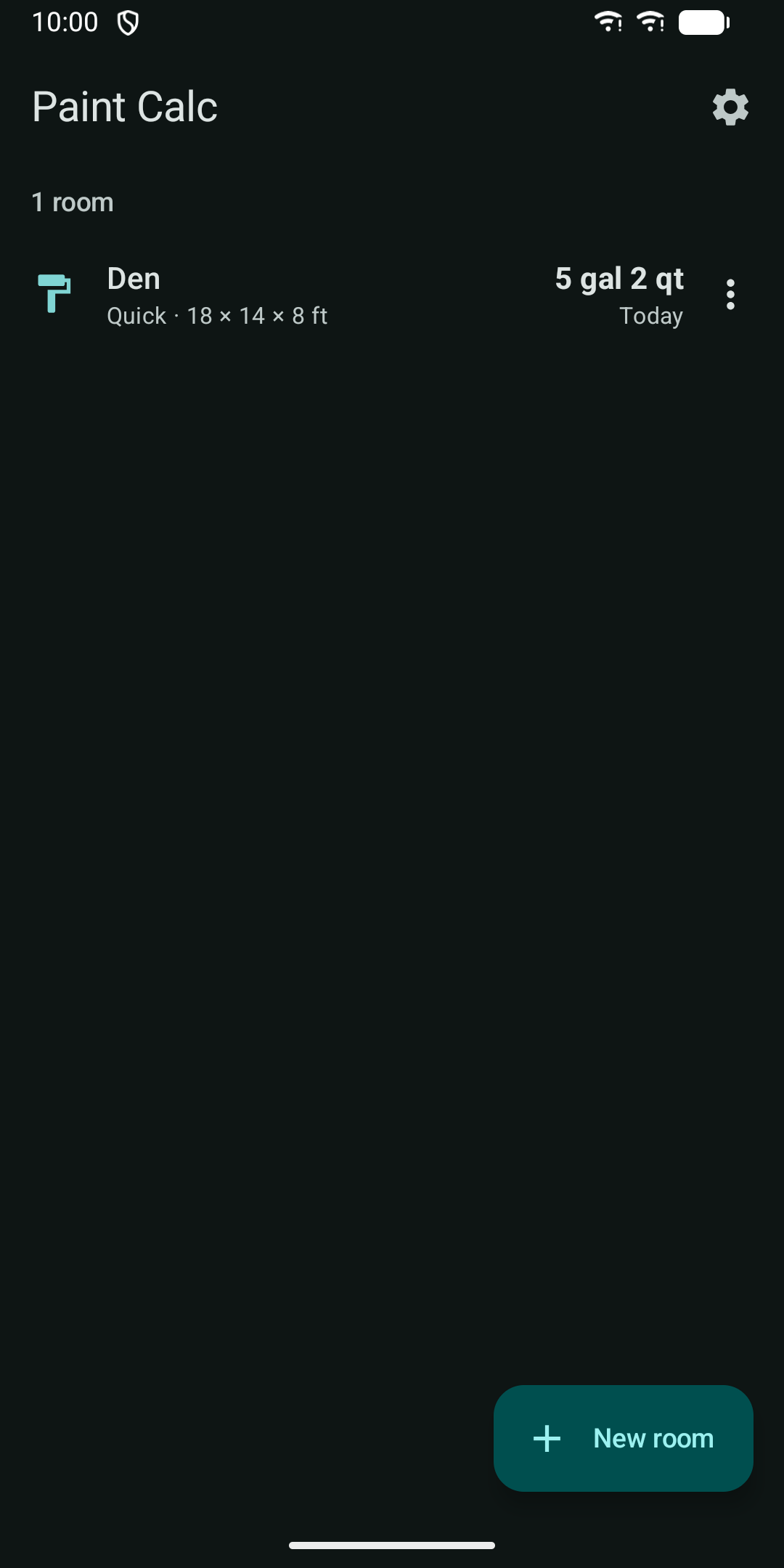
  • Save as many rooms as you like.
  • Share a room result as plain text with any app.
  • A home screen widget shows the paint for the last room or project you opened.
05

Pro (ONE IN-APP PURCHASE)

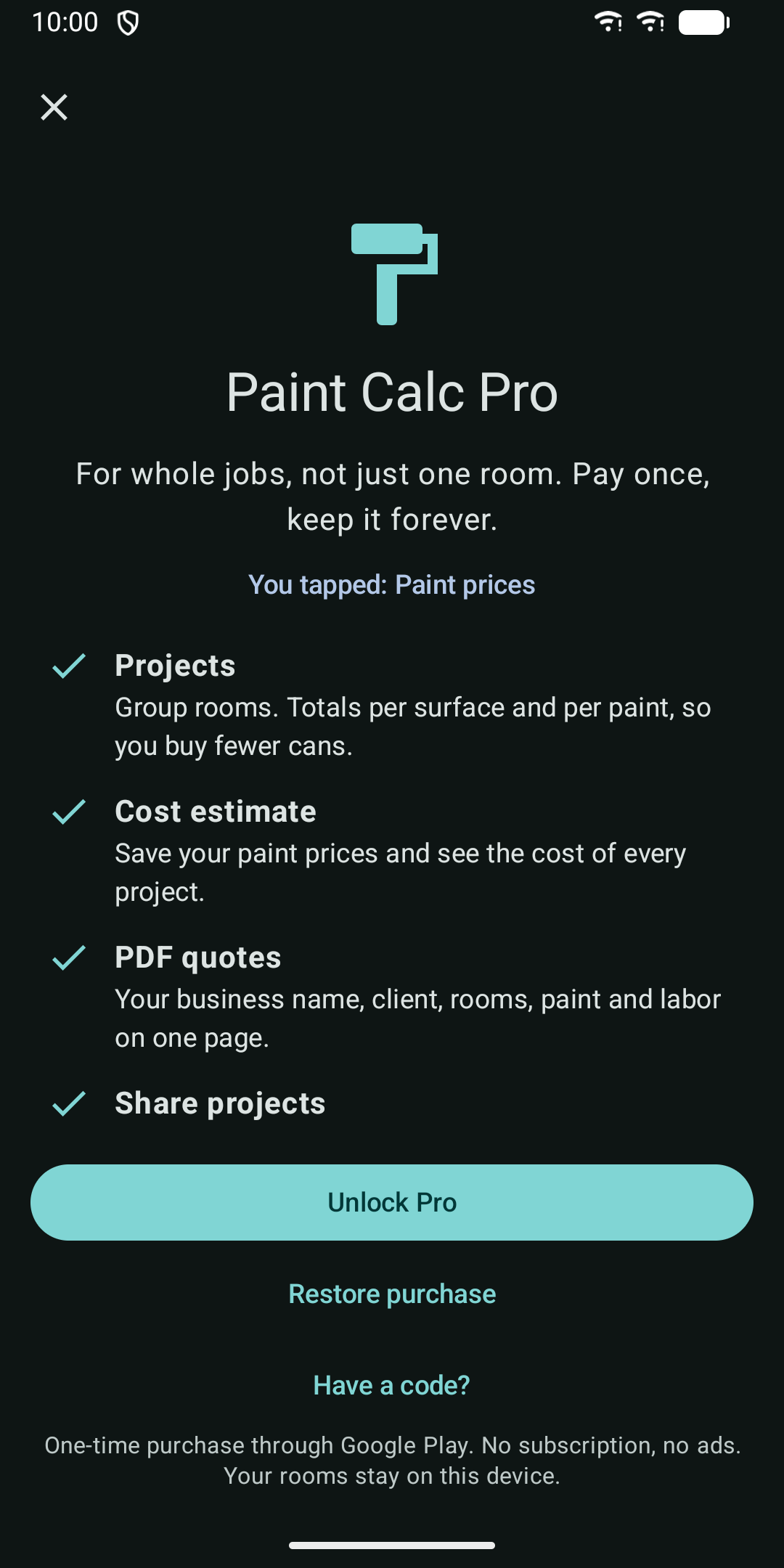
The features above are included in the base app. These features need the Pro purchase, made through Google Play:

  • Projects: group rooms and get totals per surface and per paint. Paint is pooled by product, so you can buy fewer cans than room by room.
  • Cost estimate: save your paint prices per can size and see the cost of each project in your currency.
  • PDF quotes: your business name, the client, the rooms, paint amounts, paint cost and an optional labor line. Share the PDF from your phone.
  • Share whole projects as text.
06

Phones and tablets

  • Two-pane layout on tablets and foldables.
  • Light and dark theme follow your system setting.
  • Screen reader labels on controls and large touch targets.
07

Your data stays on your device

Paint Calc does not request the internet permission. Your rooms, projects and client names are stored only on this device and are excluded from cloud backup. The only connection is Google Play, for the optional Pro purchase.

Results are estimates. Always check the coverage printed on your paint can.

Guides

Guides

Paint Calc: Room Paint Amount

Work out how much paint a room needs, with coats, doors and waste

Get it on Google Play